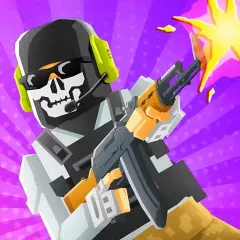
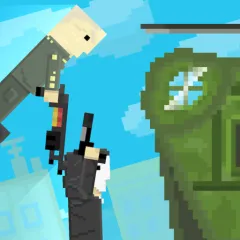
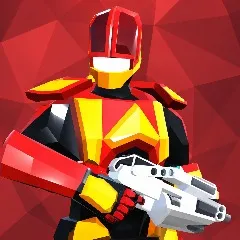
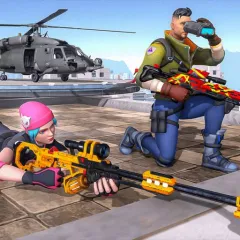
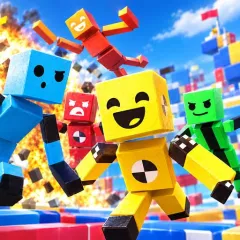
Battle Blast is an intense shoot 'em up where running, aiming and shooting are just part of the struggle. The main distinction is the jetpack, which allows the character to get off the ground and approach the fight from the air. Instead of simply standing behind obstacles and waiting for opponents to appear, you can constantly change positions to find more advantageous attack angles.
Flexible Movement on the Battlefield in Battle Blast
Battle Blast's control system is quite direct. WASD or arrow keys handle movement, Shift accelerates, and Space activates the jetpack. This combination creates many options during combat.
You can run across dangerous areas, sprint to quickly change positions, or activate the jetpack to fly up and approach another area. When enemies appear in waves, constant movement also prevents the battle from becoming a series of standing still and shooting.
Weapon Selection and Attack Timing
Battle Blast allows you to select weapons and switch between them using number keys. This is a small but useful detail when the battle changes rapidly. Instead of using only one gun from start to finish, players can switch to the weapon appropriate for the situation at hand.
The left mouse button is used for firing. Therefore, the difficulty lies largely in observation, accurate aiming, and timing your attack. The constant appearance of robots also forces you to pay attention to your position instead of just focusing on the target in front.
Confronting the “Clankers”
The enemies in the game are robots described as clankers, appearing in waves across the maps. You don't fight alone; you can coordinate with other allies to fight against the robot forces.
The Jetpack is particularly noteworthy in these combat situations. Flying allows you to change altitude and approach direction, and provides an additional movement option besides running on the ground.
Battle Blast Controls
| Keyboard | Operations |
|---|
| WASD/Arrow Keys | for Movement |
| Space | for Jetpack Flight |
| Left Mouse Button | for Shooting |
| Shift | for Sprint |
| Number Keys | for Weapon Switching |
| Pair Control (P) | for Camera Angle Change |
Playing Battle Blast on PC and Mobile
Battle Blast supports both PCs and mobile devices such as phones and tablets. On desktop, the WASD keys, mouse, and Space form the familiar control system for shooter games. On mobile, the controls will depend on the touch interface of the game version.
If you like shooters with added mobility, Battle Blast offers a fairly clear approach: run, switch weapons, fire, and use the jetpack to propel your character off the ground at the right time.